When it comes to senior safety, every second counts, especially in an emergency. Whether it’s a fall, a sudden illness, or getting lost while out for a walk, quick access to help can make all the difference.
But here’s the challenge: many older adults either don’t carry their phones or don’t know how to use them quickly in a crisis. That’s where emergency apps for seniors can be life-saving.
The reassuring news? You don’t need to be tech-savvy to stay protected. There are easy-to-use apps designed specifically with seniors and caregivers in mind.
In this guide, you’ll learn how emergency apps work, which features matter most, and which ones are best suited to keep you or your loved one safe, anytime, anywhere.
Quick Rundown: Best Emergency App for Seniors
- Choose simplicity first — look for large buttons, clear alerts, and minimal setup steps.
- Check for automatic fall detection — some apps can alert contacts even if the senior can’t press a button.
- Enable location sharing — make sure the app can send GPS coordinates to family or 911.
- Set up emergency contacts — program trusted family or caregivers who can be reached instantly.
- Review subscription options — decide if you prefer a free app, or one with 24/7 professional monitoring.
- Test the app together — practice using it so everyone knows how it works before an emergency happens.
- Keep devices charged — a great app only helps if the phone or smartwatch has power.
With the right emergency app, help is always just a tap away. Now let’s explore how to find, and set up, the one that fits your needs best.
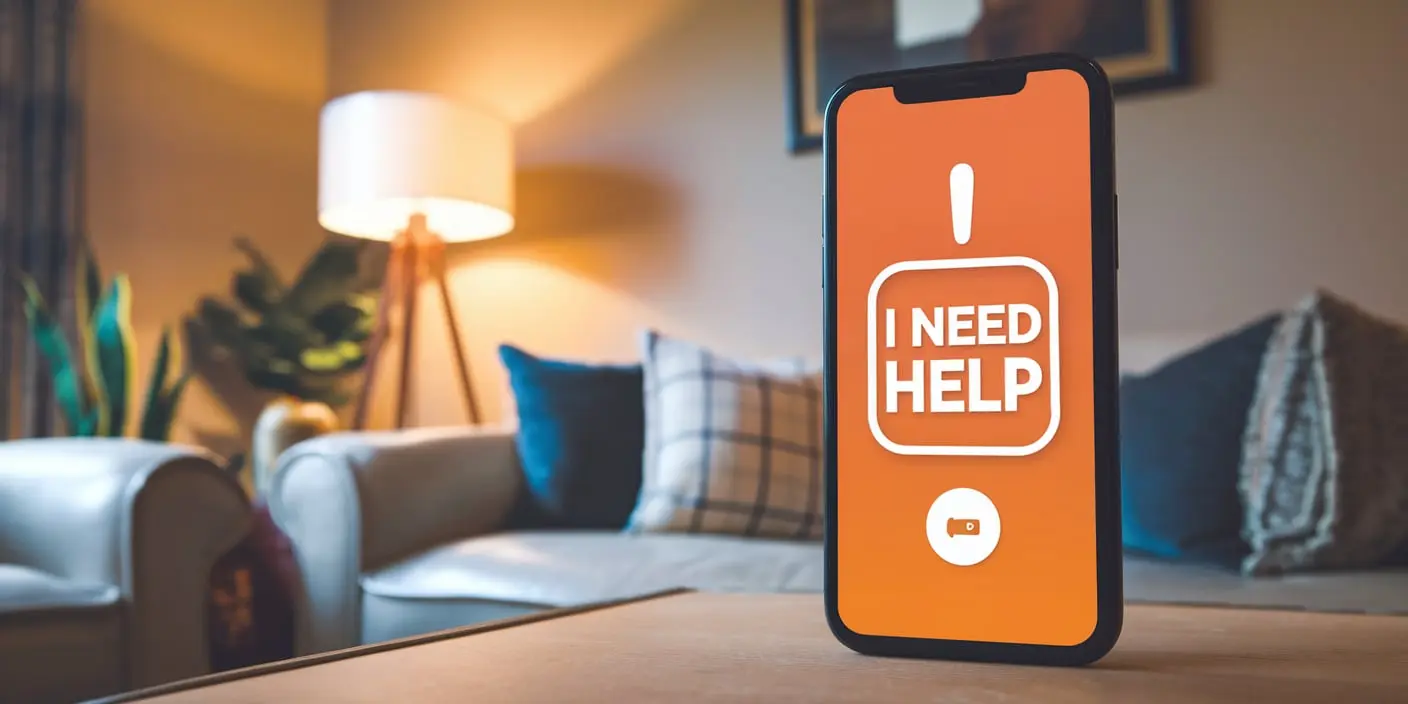
Understanding Medical Alert Apps
What Are Medical Alert Apps?
Medical alert apps are personal safety apps for older adults that you can download on your smartphone or tablet. They let you call for help quickly during an emergency. Unlike traditional medical alert systems that require special devices, these apps use the device you already own.
The Evolution from Devices to Apps
In the past, medical alert systems were bulky and often expensive. Now, technology has made it possible to have the same safety features right on your phone. This means fewer gadgets to carry and more convenience for you.
Benefits of Medical Alert Apps for You
Enhancing Personal Safety
With a medical alert app, help is just a button away. If you feel unwell or have an accident, you can alert emergency services or your family instantly. These emergency alert apps for elderly ensure that you are never alone in a crisis.
Promoting Independence and Confidence
Knowing that you can get help quickly allows you to live more freely. You can enjoy outings and activities without constant fear of “what if” situations. These senior independence tools support your desire to stay active and engaged.
Improving Health Management
Many apps offer features like medication reminder apps and health tracking apps for seniors. These tools help you manage your health more effectively, keeping you on track with your daily routines.
Key Features to Look For in Medical Alert Apps
Emergency Alert Functionality
Look for apps with a simple emergency button that’s easy to find and use. The best apps connect you directly to help when you need it. These emergency response apps for seniors ensure quick assistance.
Fall Detection Technology
Some apps can detect if you’ve fallen and automatically send an alert. This is useful if you’re unable to reach your phone after a fall. Fall detection apps provide an extra layer of safety.
GPS Location Tracking
GPS features allow emergency responders or family members to find you quickly. This is especially helpful if you’re unsure of your location. GPS tracking apps for seniors keep you and your loved ones informed.
Medication and Appointment Reminders
Apps with reminders help you keep track of medications and appointments, ensuring you stay on top of your health routines. These medication reminder apps are essential for managing your daily health needs.
Health and Activity Monitoring
Some apps monitor your vital signs or daily activity levels, providing useful information for you and your doctor. Health management apps for seniors keep track of your wellness.
User-Friendly Interface
Choose an app that’s easy to navigate with large buttons and clear instructions. This makes it simpler to use, especially in stressful situations. Senior mobile safety solutions prioritize ease of use.
Accessibility Features
Medical alert apps often include features like voice commands, screen readers, and adjustable text sizes to help users with vision or hearing impairments. These assistive technology for seniors ensures everyone can use the app effectively.
Pricing Comparison
Here’s a quick look at the costs of some popular medical alert apps:
| App Name | Key Features Included | iPhone | Android |
| ICE – In Case of Emergency | Store emergency info and contacts. | Link | Link |
| MyMedical Guardian | A comprehensive app that allows users to quickly call for help in case of an emergency, track their location, and receive medication reminders. | Link | Link |
| American Red Cross Apps | Emergency preparedness and response tools | Link | Link |
| GoodRx | Medication discounts and price tracking | Link | Link |
| Life360 | Location tracking, emergency alerts, family circles | Link | Link |
| Medical ID | Store medical info, set reminders | Link | Link |
| Bay Alarm Medical | A medical alert app that offers GPS tracking, fall detection, and voice communication with emergency responders. | Link | Link |
Top Medical Alert Apps for Seniors
1. ICE – In Case of Emergency
- Features: Store vital emergency information and contacts on your smartphone for quick access.
- Benefits: Easy to use, ensures important info is available during emergencies, free to download.
2. American Red Cross Apps
- Features: A suite of apps for various emergencies, including first aid, hurricane safety, and more.
- Benefits: Trusted organization, comprehensive emergency preparedness tools, free on iPhone and Android.
3. GoodRx
- Features: Helps you find discounts on medications at local pharmacies by entering your zip code.
- Benefits: Saves money on prescriptions, easy to use, free on iPhone and Android.
4. Life360
- Features: Create a virtual “circle” of contacts, real-time location tracking, emergency alerts.
- Benefits: Keeps track of family and friends, enhances safety with location sharing, available in free and paid plans on iPhone and Android.
5. Medical ID
- Features: Store important medical information, set notifications for medications and appointments.
- Benefits: Accessible medical data for emergencies, helps manage health routines, free and paid plans available on Android.
6. GoodPillow App
- Features: Connects with smart home devices to provide voice-activated emergency calls.
- Benefits: Hands-free operation, integrates with other smart devices for enhanced safety, available on iOS and Android.
Note: Always check the latest reviews and information to choose the app that’s right for you.
How to Choose the Right Medical Alert App
Assessing Your Needs
Think about what features are most important to you. Do you need fall detection? Are medication reminders helpful?
Compatibility and Accessibility
Ensure the app works on your device and is easy for you to use. Check if it’s available for your smartphone’s operating system, like iOS or Android.
Cost Considerations
Some apps are free, while others require a subscription. Decide what fits your budget without sacrificing essential features.
Reading Reviews and Seeking Recommendations
Look at user reviews and ask friends or family for suggestions. Your doctor may also have recommendations.
Setting Up and Maximizing Your Medical Alert App
Installation and Initial Setup
Download the app from your device’s app store. Follow the setup instructions carefully, entering all necessary information.
Customizing Settings for Optimal Use
Adjust settings to suit your needs. Set up emergency contacts and test the app to make sure it works properly.
Training and Support
Take time to learn how to use the app. Some companies offer tutorials or customer support to help you.
Addressing Privacy and Security Concerns
Data Protection Measures
Check the app’s privacy policy to understand how your information is protected. Make sure it uses secure methods to keep your data safe.
Ensuring Reliable Performance
Keep the app and your device updated to ensure they work correctly. Regular updates often include important security fixes.
Regulatory Compliance
Choose apps that comply with health and safety regulations, such as HIPAA in the United States, to ensure your data is handled properly.
Integration Options
Some medical alert apps can connect with other smart devices like smart speakers, wearables, or home security systems.
This integration can provide added safety features, such as voice-activated emergency calls or automatic alerts from wearable devices. These smart alert systems for seniors enhance your overall safety setup.
Emergency Response Data
Studies show that medical alert apps can significantly reduce response times during emergencies.
For example, a study found that seniors using medical alert apps received help 30% faster than those relying on traditional methods. This emergency response data highlights the effectiveness of these mobile emergency systems for elderly.
Real-Life Stories and Testimonials
Success Stories from Seniors
Many seniors have found greater peace of mind using medical alert apps. For example, Mary, age 72, felt more confident going for walks alone knowing she could call for help easily.
Caregivers’ Perspectives
Family members often feel less anxious knowing their loved ones have a quick way to get help. John, a caregiver, said the app made it easier to balance his own life while caring for his father.


